
Getting started
LazyBoard documentation
Everything you need to set up LazyBoard, organise your snippets and build smart templates with variables.
What is LazyBoard?#
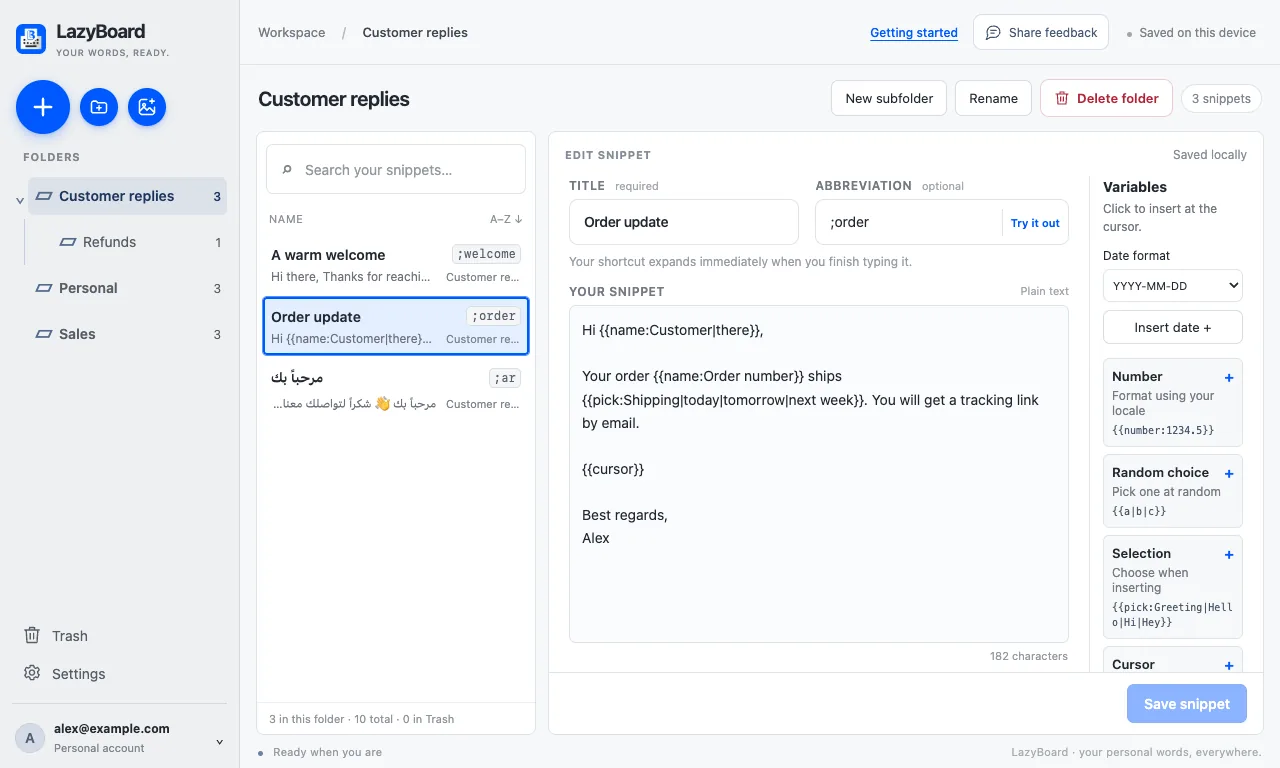
LazyBoard is a text expander and snippet manager. You save the words you type again and again (replies, signatures, addresses, templates) as snippets. Then you insert them anywhere you type, in two ways:
- Type a shortcut. Give a snippet an abbreviation such as
;thanks. When you finish typing it in a text field, LazyBoard replaces it with the full text. - Search and insert. Open the snippet picker, find the snippet by title or content, and insert it. You don’t need to remember the shortcut.
Snippets can also contain variables: today’s date, your clipboard, a list to choose from, a customer’s name you fill in, or a calculated total.
Where LazyBoard works#
MacDesktop app for Apple silicon and Intel. Expands shortcuts in your Mac apps.WindowsDesktop app for Windows 10 and 11, from the Microsoft Store.Chrome extensionExpands shortcuts on websites. Also works in Edge and Brave.iPhoneLazyBoard Mate: your synced desktop snippets in an iPhone keyboard.
All four use the same snippets and the same variables. With a free account they work on their own; with LazyBoard Pro one account keeps them in sync.