01
;feedbackevidenceAsk for supporting evidence
Use when a student has a clear point but needs to support it.
 LazyBoardSign in
Save the explanations you use often, then add the observation that makes them useful to one student. Build a feedback bank that gives you a starting point for each response.
Saved replies · Text shortcuts · Personal touches
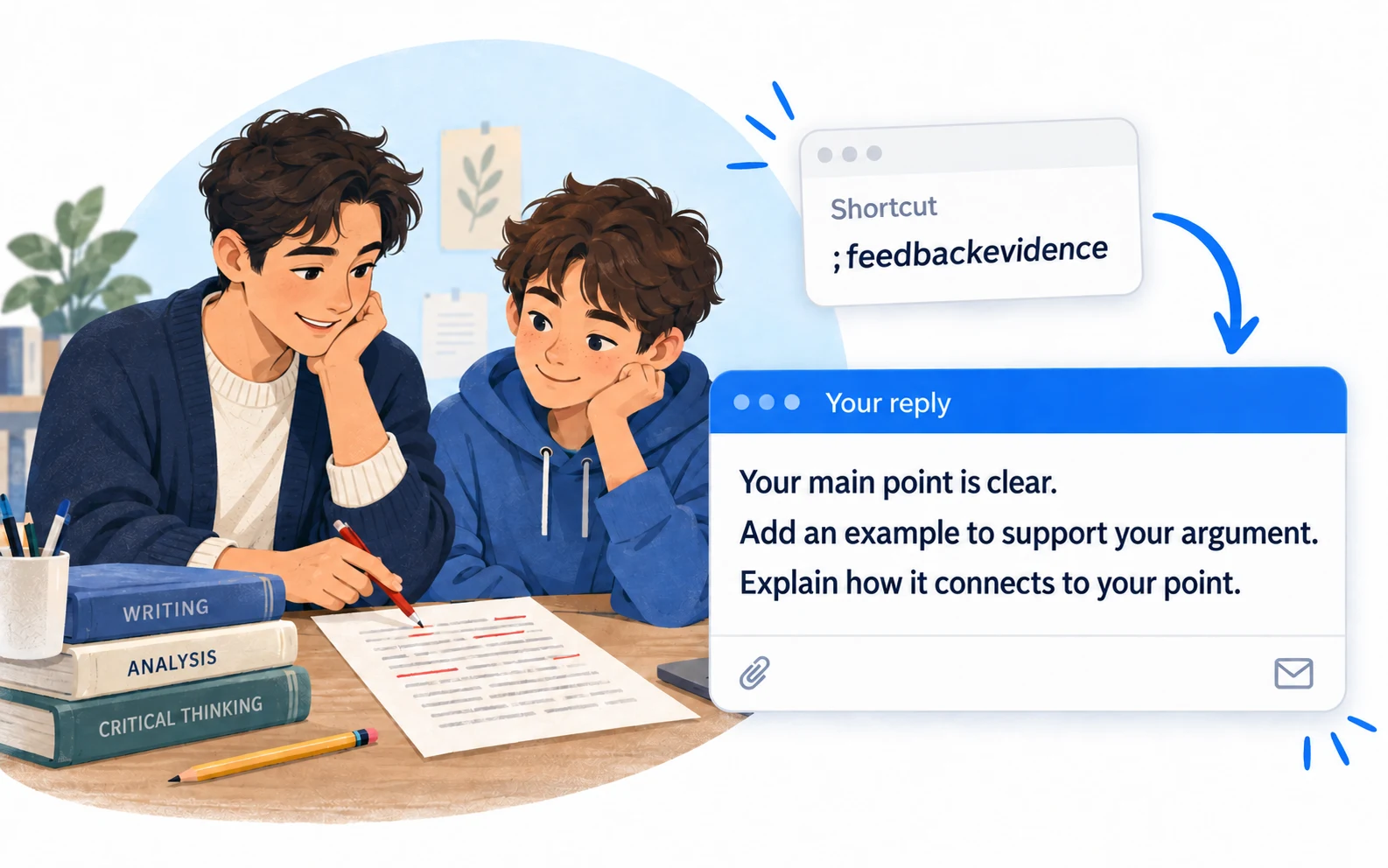
Choose a comment for the work in front of you, then add a specific example. Saved wording is the starting point for feedback.
Copy a snippet into LazyBoard on desktop or Chrome, then set its shortcut. {{name:…}} asks you to fill in a detail when inserting. How fields work →
;feedbackevidenceUse when a student has a clear point but needs to support it.
;revisionprogressName what changed so the student knows what to keep doing.
;classreminderKeep the action and deadline together in one short message.
Keep feedback for evidence, structure, and revision in separate groups. Choose wording based on the skill being practiced, then tailor it to the student’s work.
Use a fill-in field for the paragraph, topic, or improvement. A general comment becomes more useful when it points to something the student can locate.
Read the expanded comment once. Make sure the student can tell what to do next, and remove wording that doesn’t fit their assignment.
Keep your reusable feedback separate from classroom announcements. Store general wording in the library and keep identifiable student information in your institution’s approved systems.
Build an organized library →Use shortcuts or the snippet picker in supported desktop and Chrome fields. On iPhone and Android, use the LazyBoard phrase keyboard to select saved text.
Some apps and editors restrict insertion. Start with a sample in the field you use, and use Copy when needed. Mobile libraries and purchases are separate from desktop and Chrome.
No. You choose the feedback and make the assessment. LazyBoard reuses wording you have saved.
The Chrome extension supports ordinary text fields and many editable areas. Some complex editors restrict insertion, so test a sample comment in your platform first.
Keep these snippets as general feedback and reminder templates. Follow your institution’s policies for student information and approved tools.
Examples prepared with AI assistance and checked against LazyBoard’s current guides. Updated October 14, 2026. Suggest a correction.