01
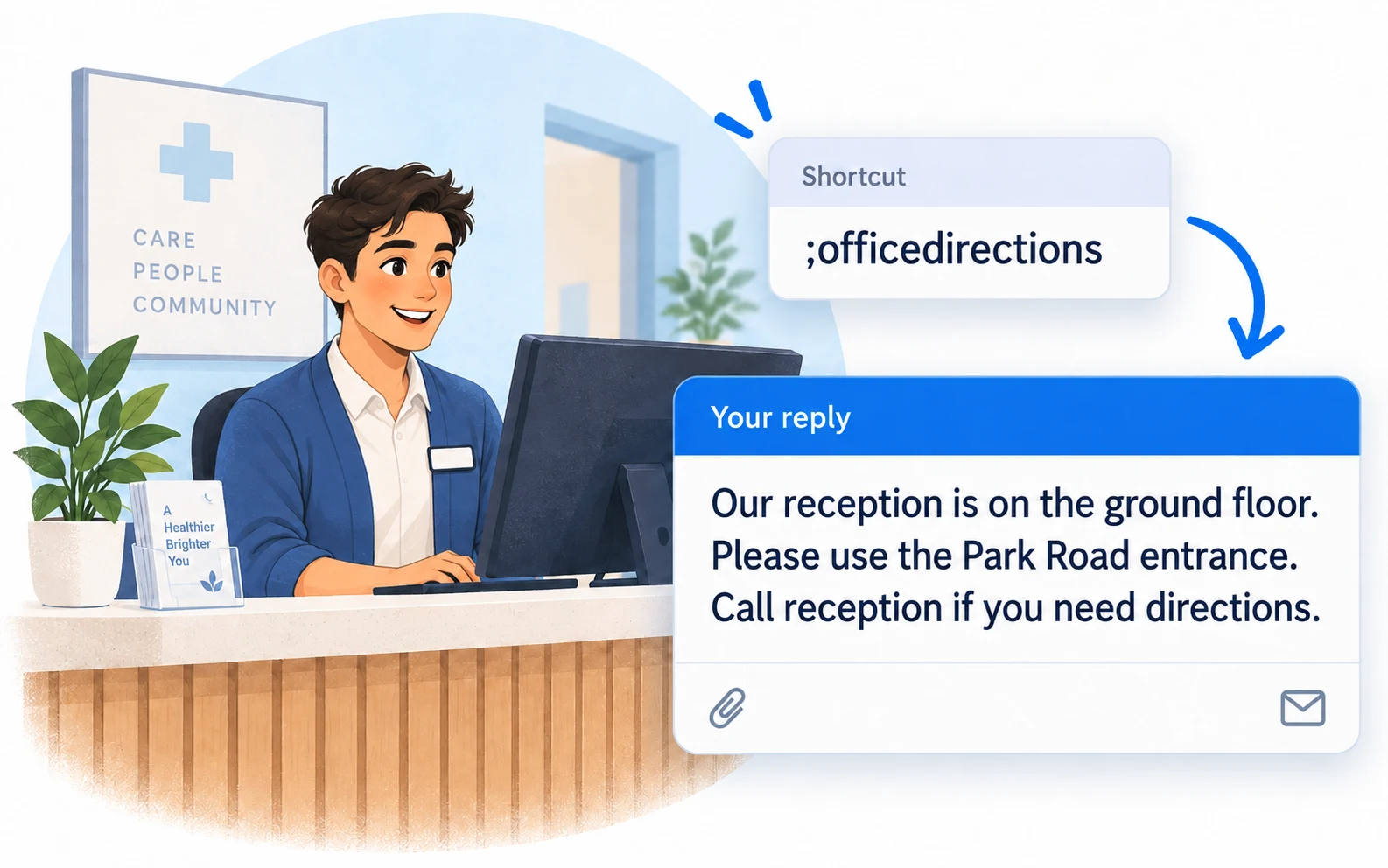
;officedirectionsExplain how to find reception
Use your organization’s current public directions.
 LazyBoardSign in
Keep general office information easy to share. Save directions, opening hours, and booking instructions so you can reuse clear wording during everyday administrative work.
Saved replies · Text shortcuts · Personal touches
These examples contain general administrative wording. Keep patient details, records, and clinical advice out of your reusable library.
Copy a snippet into LazyBoard on desktop or Chrome, then set its shortcut. {{name:…}} asks you to fill in a detail when inserting. How fields work →
;officedirectionsUse your organization’s current public directions.
;officehoursCheck public hours and holiday notices before sending.
;bookinginfoDirect people to the approved booking channel without collecting their details in a snippet.
Start with information already available on your public website. Save the wording for directions or opening hours without patient names, identifiers, or visit details.
Use only tools and channels approved for your work. Review LazyBoard’s privacy information with the person responsible for your organization’s technology before adopting it.
Check the office location, contact channel, and opening hours before sending. Update the saved wording when the public information changes.
Use a small set of general snippets organized by the question they answer. Keep clinical documentation and patient communications in the systems your organization has approved for them.
Build an organized library →Use shortcuts or the snippet picker in supported desktop and Chrome fields. On iPhone and Android, use the LazyBoard phrase keyboard to select saved text.
Some apps and editors restrict insertion. Start with a sample in the field you use, and use Copy when needed. Mobile libraries and purchases are separate from desktop and Chrome.
These examples are intended for general office information. They do not provide clinical documentation, medical advice, or a patient-record workflow.
No. This page does not make a HIPAA compliance claim or establish that LazyBoard is suitable for protected health information. Discuss your organization’s requirements with its responsible privacy or compliance contact before using a new tool.
No. Local storage is one product behavior, not a determination that a tool meets your organization’s requirements. These examples deliberately keep patient information out of the library.
Examples prepared with AI assistance and checked against LazyBoard’s current guides. Updated October 14, 2026. Suggest a correction.