Save your phrase
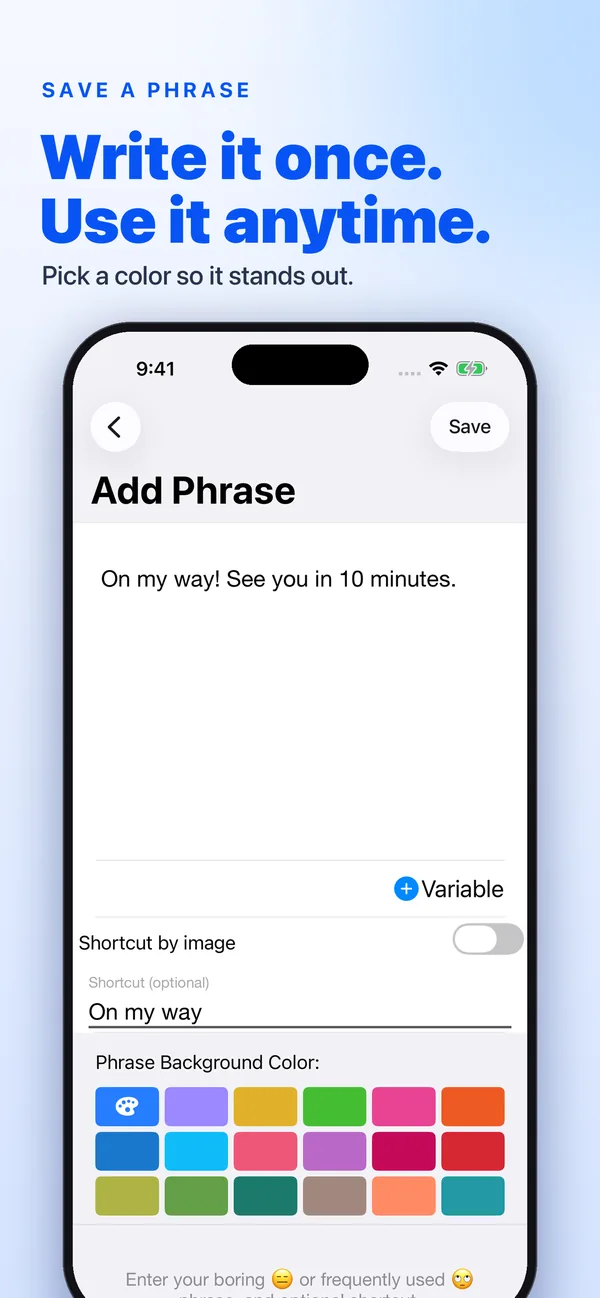
Add a reply, an address or a signature in the app. Give it a short name and a color so it’s easy to spot.
Save the replies, addresses and signatures you type every day. Then send any of them with one tap, right from your keyboard, in any chat or email app.

Free to download · In-app purchases available
One tap. The whole reply.
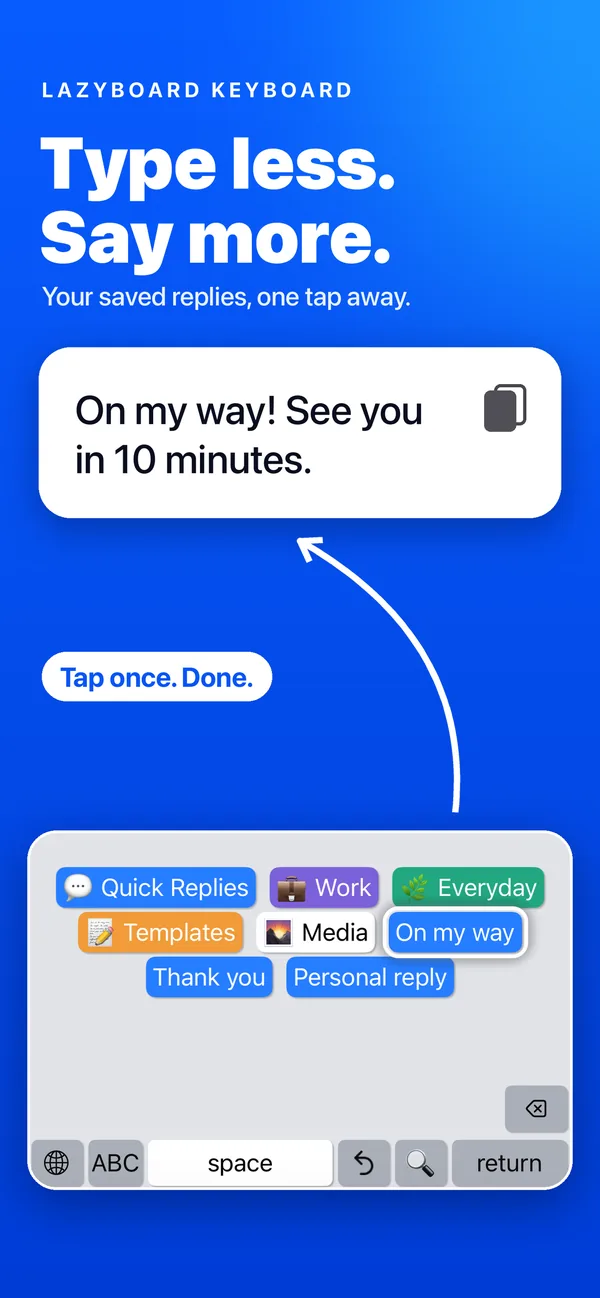
LazyBoard adds a keyboard full of your own buttons. Each button holds a phrase, from a two-word answer to a full message.
Add a reply, an address or a signature in the app. Give it a short name and a color so it’s easy to spot.
In any chat, email or form, tap the globe key and choose LazyBoard. Your normal keyboard is one tap away.
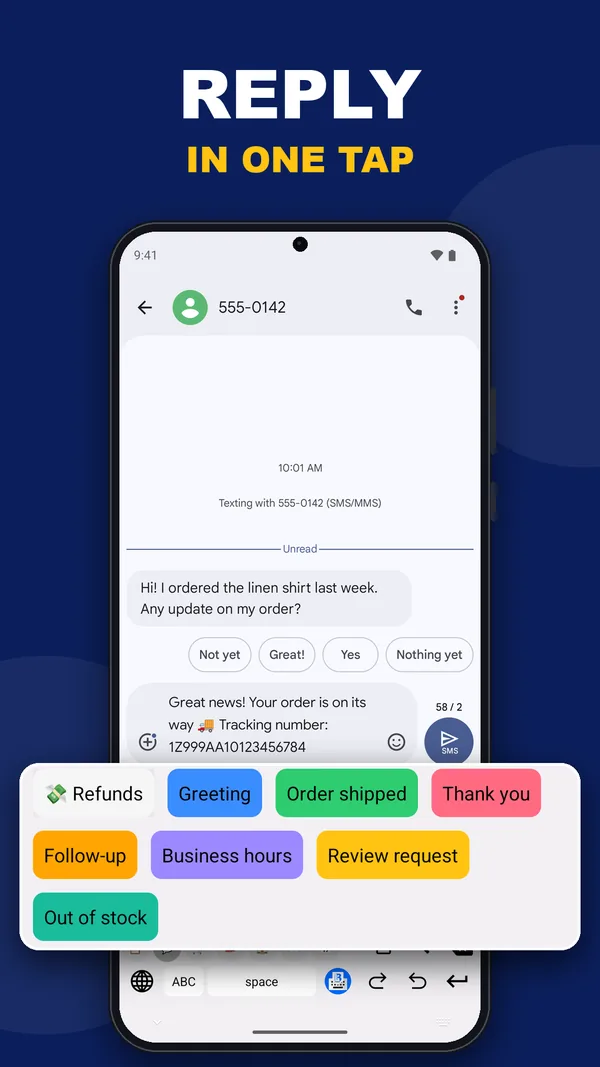
Tap a button and the whole phrase appears in the text field, ready to send. No copy and paste.
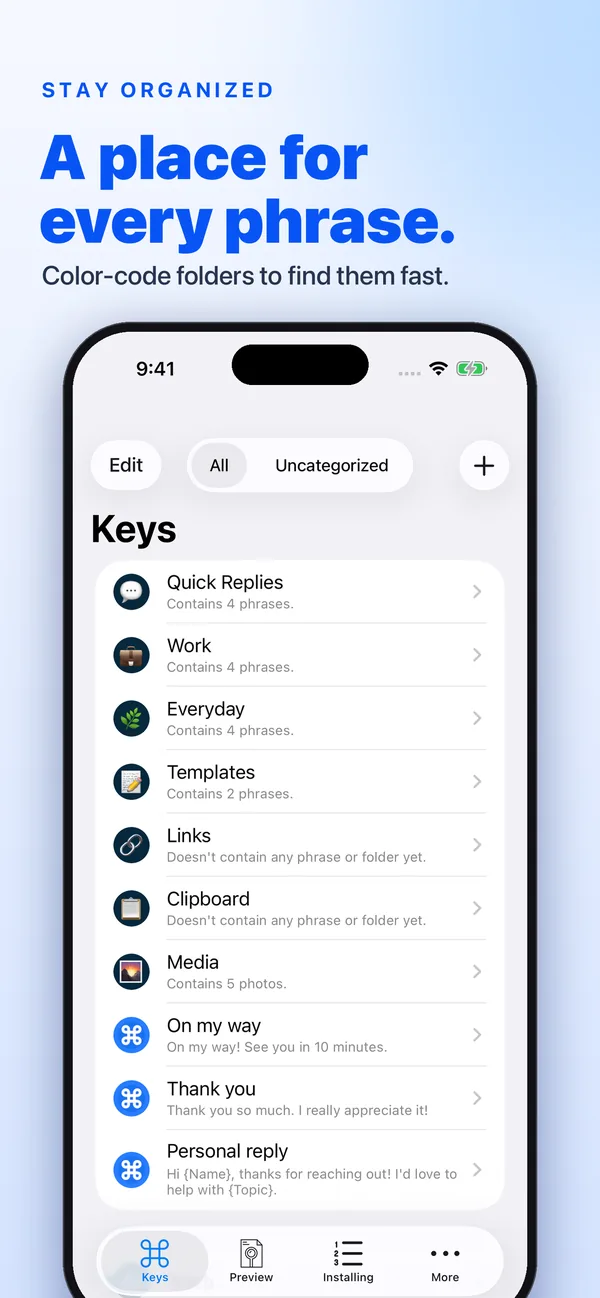
Everything you need to keep the words you reuse close, organized and personal.
Answers to the questions you get every day, ready on your keyboard. Color each button so the right one stands out.
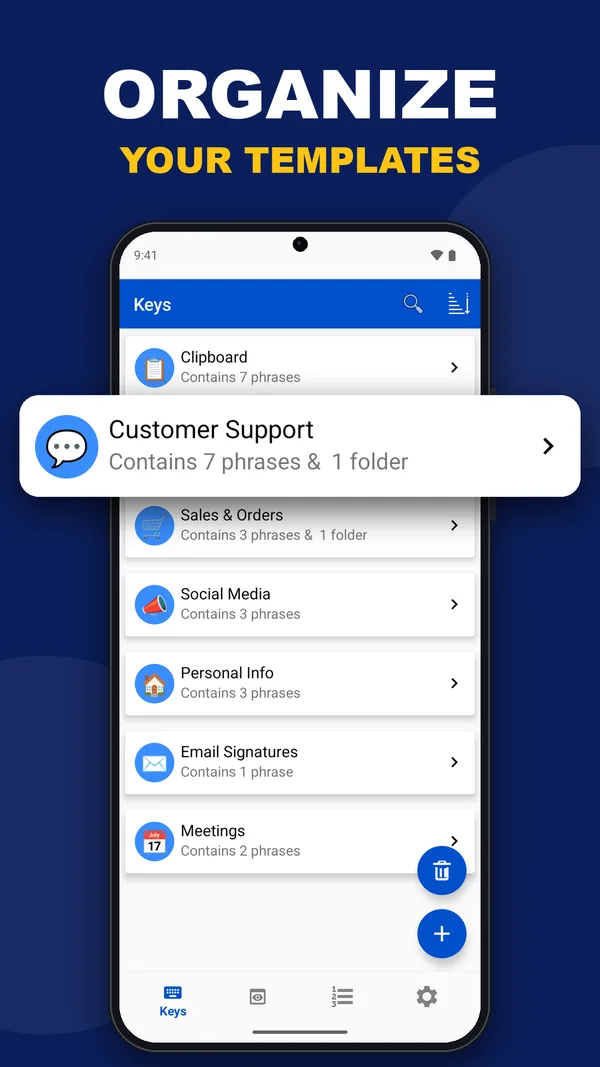
Group phrases by topic, customer or task.
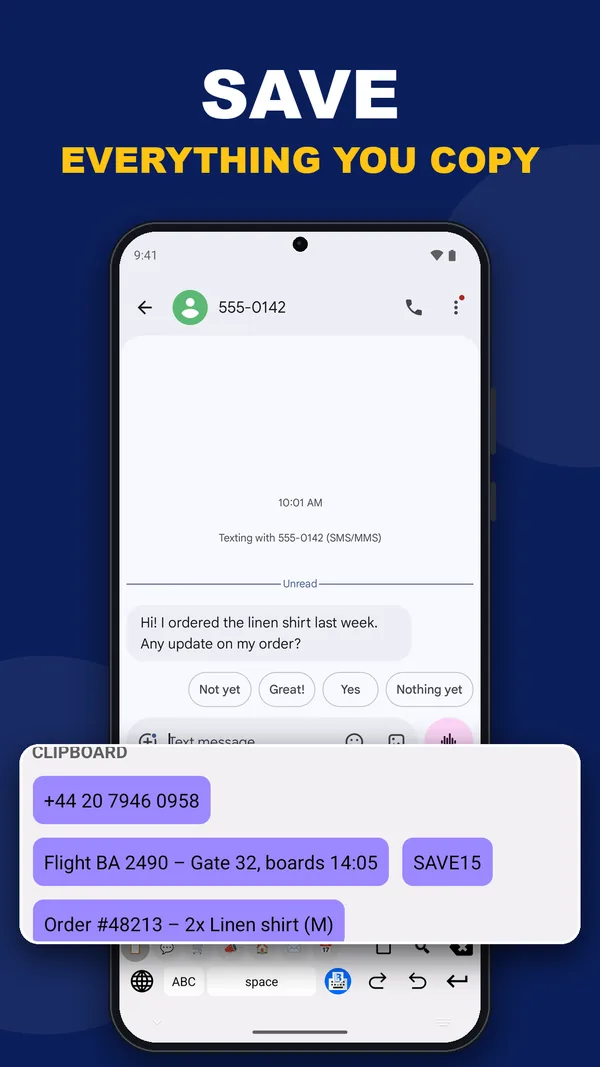
Keep what you copy next to your saved phrases, then paste it from the keyboard.
Keep reusable images in a Media folder. On iPhone and iPad, send them through the iMessage extension too.
What you can insert depends on the app you’re typing in.Export your library to keep a copy or hand it to a teammate. iCloud sync keeps iPhone and iPad in step.
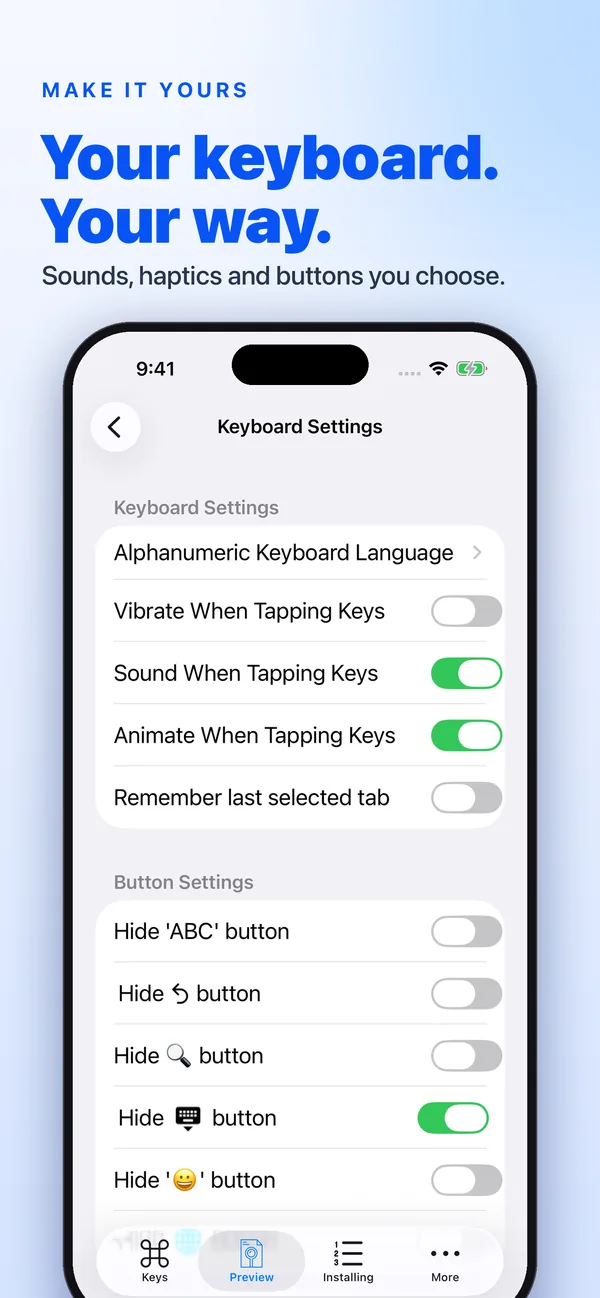
iCloud sync is for iPhone and iPad.Choose key sounds, haptics and animation, pick the letter keyboard’s language, and hide the buttons you don’t use.
Your phrases live on your device. Full Access isn’t needed to insert a phrase; turn it on only for the features that ask for it.
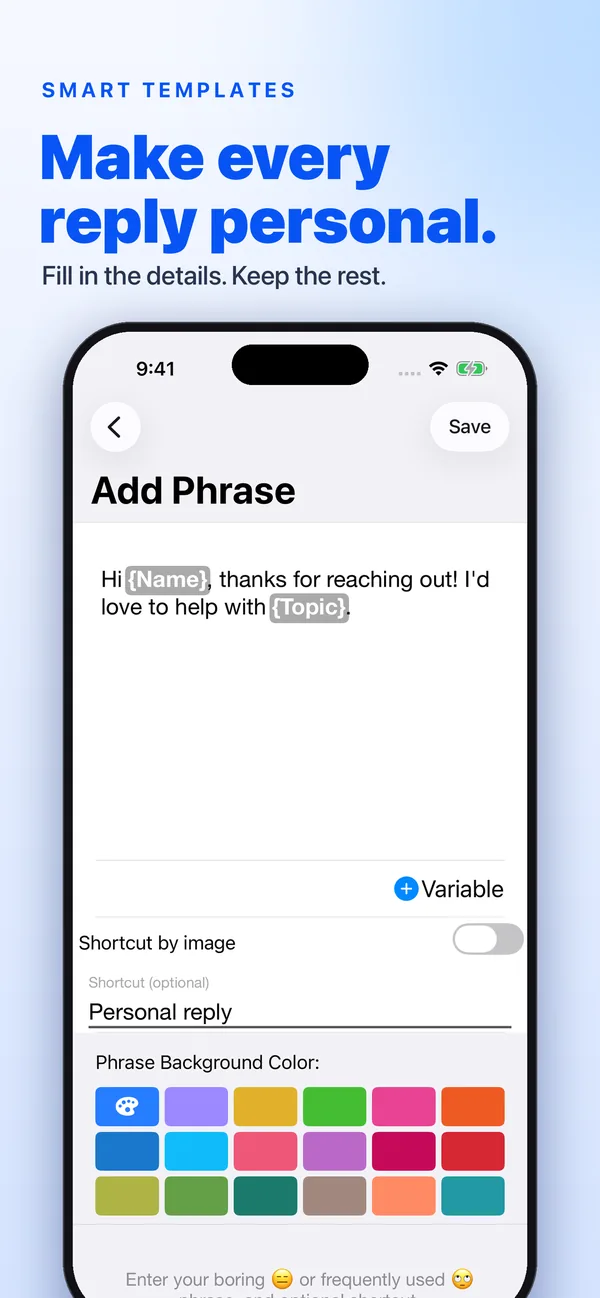
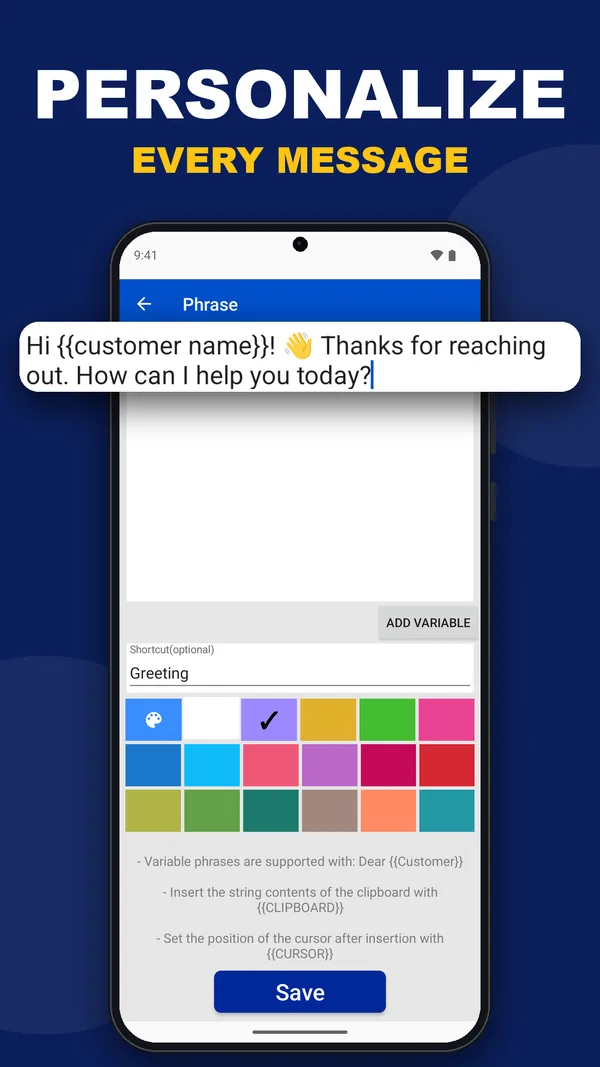
Add variables to a phrase and LazyBoard asks for the details when you tap it. Fill in the name, keep the rest.
Hi Sara, thanks for reaching out! I’d love to help with your order.
Prices, sizes, delivery times and payment details for every buyer who asks.
Shipping takes 2–3 days. Free over $50.
Greetings, status updates and the answers to your most common questions.
Your order is on its way! Tracking: {Number}
Confirmations, reminders and follow-ups with the date filled in.
See you on {Date} at {Time}. Reply C to confirm.
Your email, address, bank details for friends, and the replies you send to family.
On my way! See you in 10 minutes.
Add the keyboard once. Your usual keyboard stays available whenever you need it.


Yes, you can download it and start saving phrases for free. Extra features are available as in-app purchases; the App Store, Google Play and the purchase screen in the app show current options and prices.
It works in apps that allow third-party keyboards, including WhatsApp, Messages, Instagram, Gmail and most others. Some apps and secure fields such as passwords always use the system keyboard. Inserting images depends on what the app accepts.
No, not for inserting phrases. Some features need keyboard permissions; the app tells you when one does. See the mobile help center for details.
Yes. Export your library and import it on the other device. On iPhone and iPad, iCloud sync is available too. Read the transfer guide before replacing an existing library.
They share the idea of reusable text, but the phone keyboard is its own app. Its library and purchases are separate from the desktop and Chrome apps, so a desktop Pro plan does not unlock the phone keyboard.
Download LazyBoard for iPhone, iPad or Android and stop typing the same words twice.
Free to download · No account needed