
Mobile
From the original LazyBoard blog. This article describes the existing mobile or Mac App Store app; its features, prices, and comparisons may differ from the new desktop app and Chrome extension.
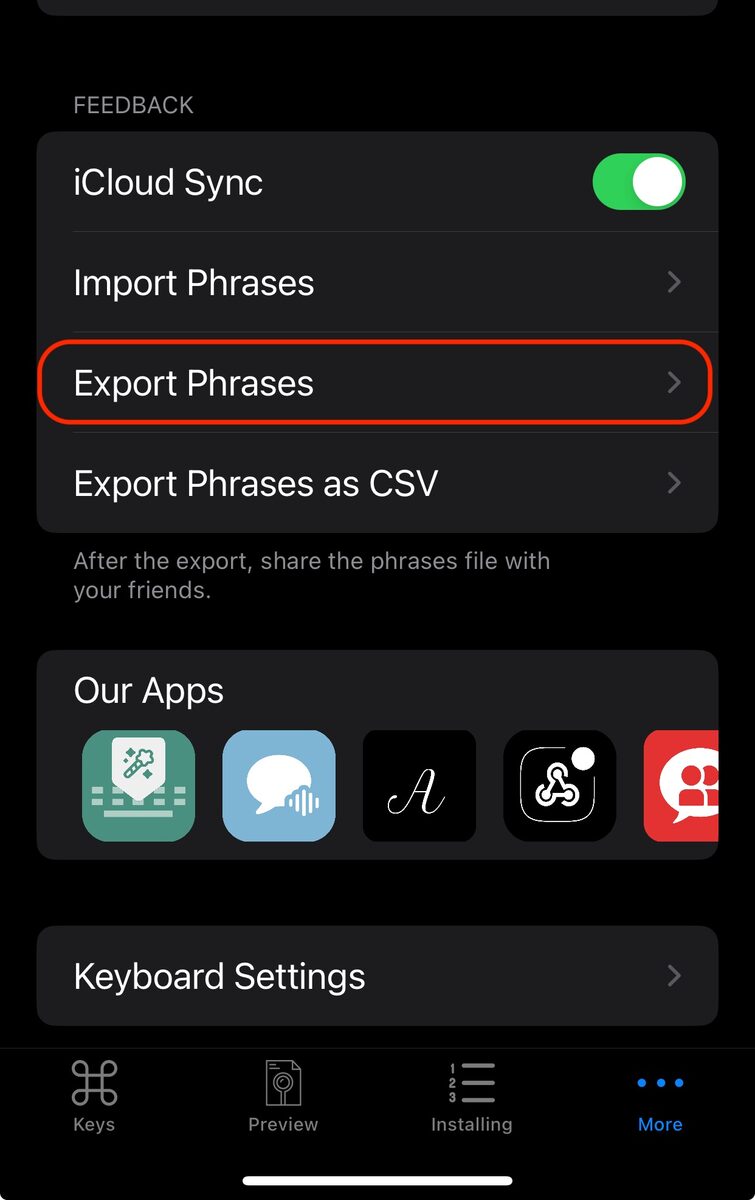
- First, export the phrases , so go to the 'More' tab and click 'Export Phrases'
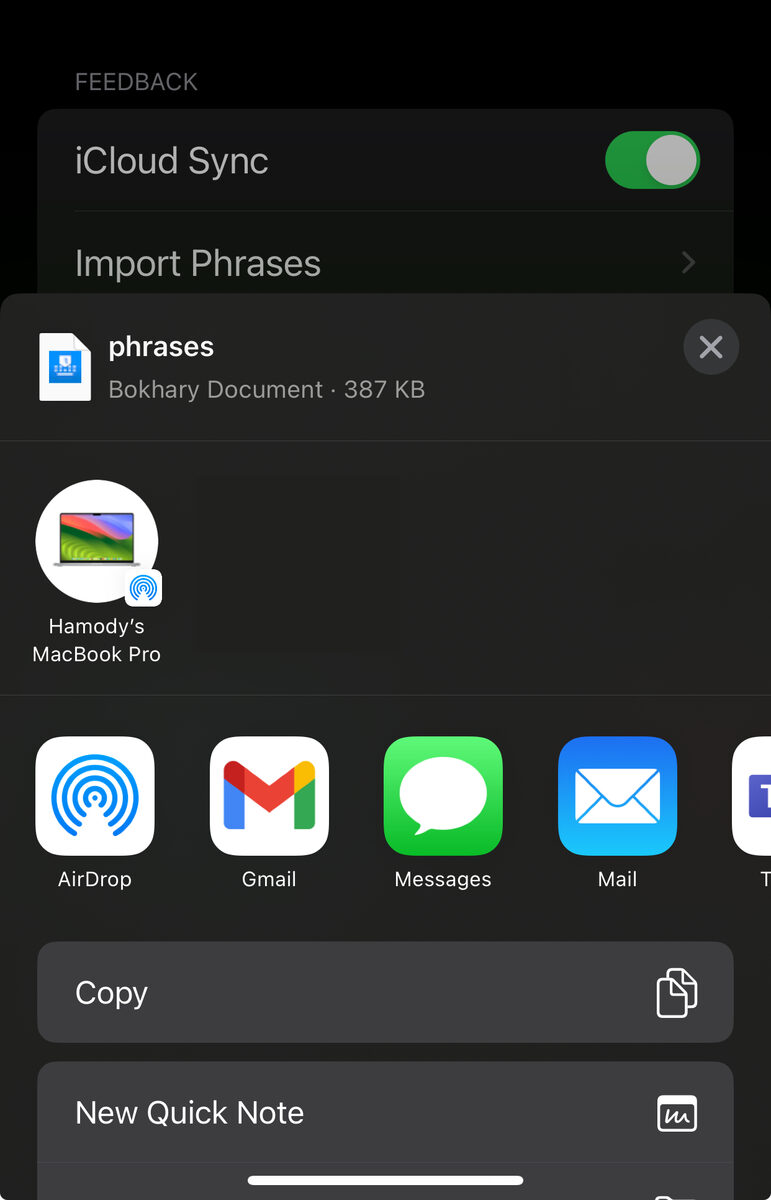
- Choose an application to send, such as the 'Mail app
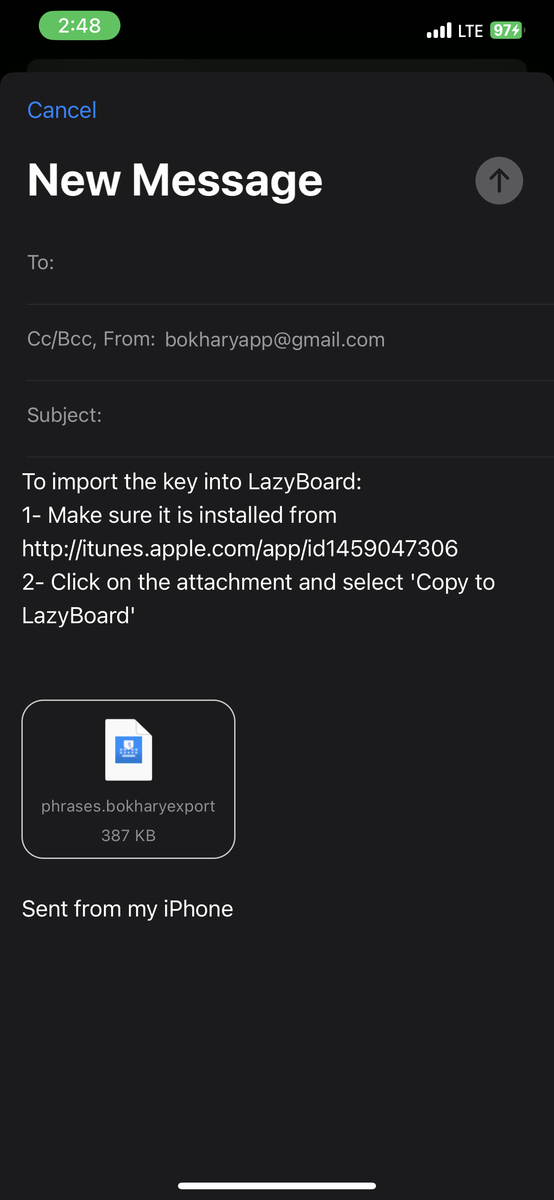
- Your email body will be like this
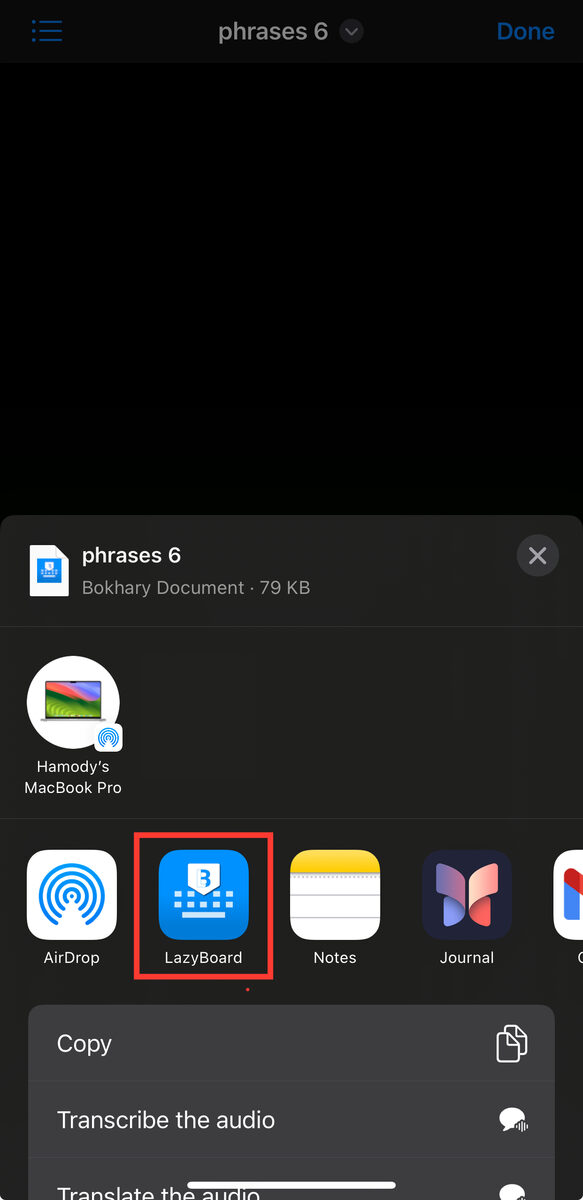
- Open the LazyBoard phrase document, then click the 'Share' button, then click the 'LazyBoard' button to import the phrases.
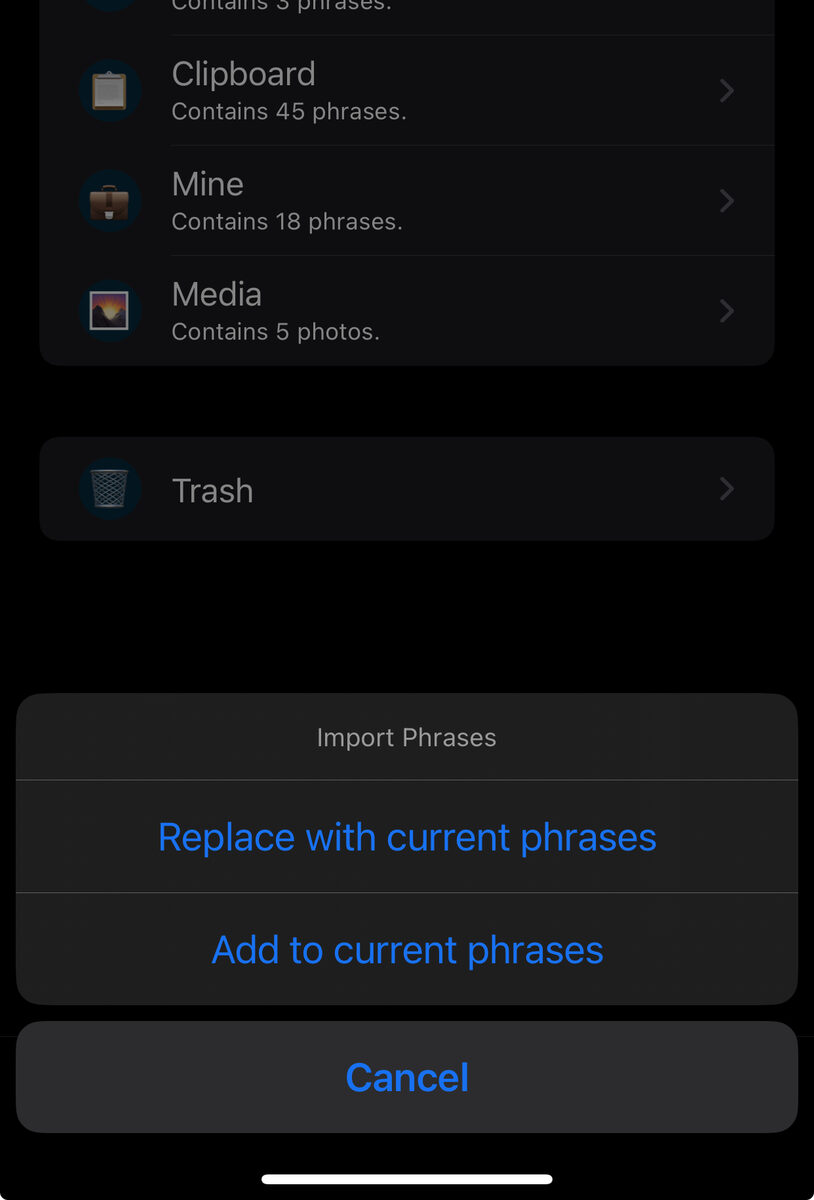
- Then, you will be asked to import the phrases, either replace them with the current phrases, or add to them.
Copy mobile phrases into desktop
For a one-time transfer into the desktop library, follow the mobile-to-desktop import guide. It explains supported files, folders, shortcuts and why importing again can create duplicates.