01
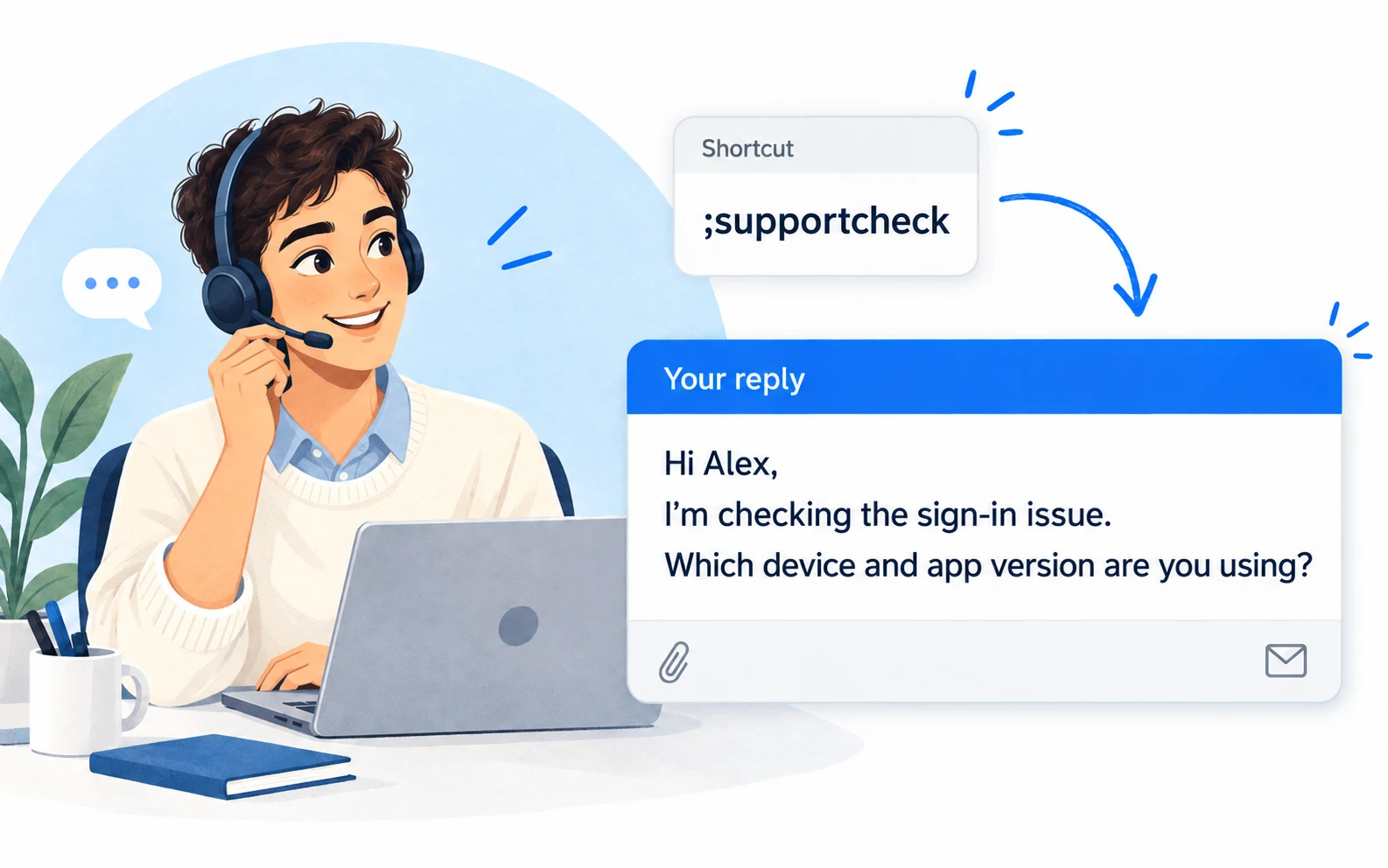
;supportcheckNarrow down an issue
Ask for the specific context you need before suggesting a fix.
 LazyBoardSign in
Keep your troubleshooting steps and next-step messages within reach. Spend your attention on the customer’s situation instead of retyping the same explanation.
Saved replies · Text shortcuts · Personal touches
Keep the structure of a good reply. Change the details to match what you’ve actually checked.
Copy a snippet into LazyBoard on desktop or Chrome, then set its shortcut. {{name:…}} asks you to fill in a detail when inserting. How fields work →
;supportcheckAsk for the specific context you need before suggesting a fix.
;helplinkPair a link with the exact part that answers the customer’s question.
;checkbackFollow up after giving a solution, without assuming the problem is fixed.
Name snippets by what they help the customer do: reset access, find an invoice, or report a problem. Search by that intent instead of scrolling through long message titles.
Fill in the customer’s name, the issue, and the next step. Check links and remove instructions that don’t apply to their device or situation.
When a recurring issue gets a new solution, update that snippet. Separate temporary workarounds from confirmed fixes so you choose the right answer next time.
Keep account questions, troubleshooting, and follow-ups in separate folders. Use subfolders for products only when that extra level makes the right answer easier to find.
Build an organized library →Use shortcuts or the snippet picker in supported desktop and Chrome fields. On iPhone and Android, use the LazyBoard phrase keyboard to select saved text.
Some apps and editors restrict insertion. Start with a sample in the field you use, and use Copy when needed. Mobile libraries and purchases are separate from desktop and Chrome.
Yes. On Mac, shortcuts expand and the snippet picker (⌘ Shift Space) inserts saved replies in the Intercom desktop app. If you use Intercom on Windows, try one reply first.
No. LazyBoard stores and inserts reusable text. Your support inbox still handles conversations, ticket routing, and customer history.
Use the Chrome extension in supported text fields. Browser settings pages, password fields, and some complex editors do not allow insertion. Try a short sample in your usual editor first.
The customer service response collection includes editable messages for complaints, progress updates, and handoffs. Use this page to build the workflow, then choose more replies from the collection.
Examples prepared with AI assistance and checked against LazyBoard’s current guides. Updated October 14, 2026. Suggest a correction.