01
;viewingreplyOffer a viewing time
Check the property and available time before offering the appointment.
 LazyBoardSign in
Keep enquiry replies, viewing information, and maintenance acknowledgments in one organized library. Choose the right message, then check the property and details before sending.
Saved replies · Text shortcuts · Personal touches
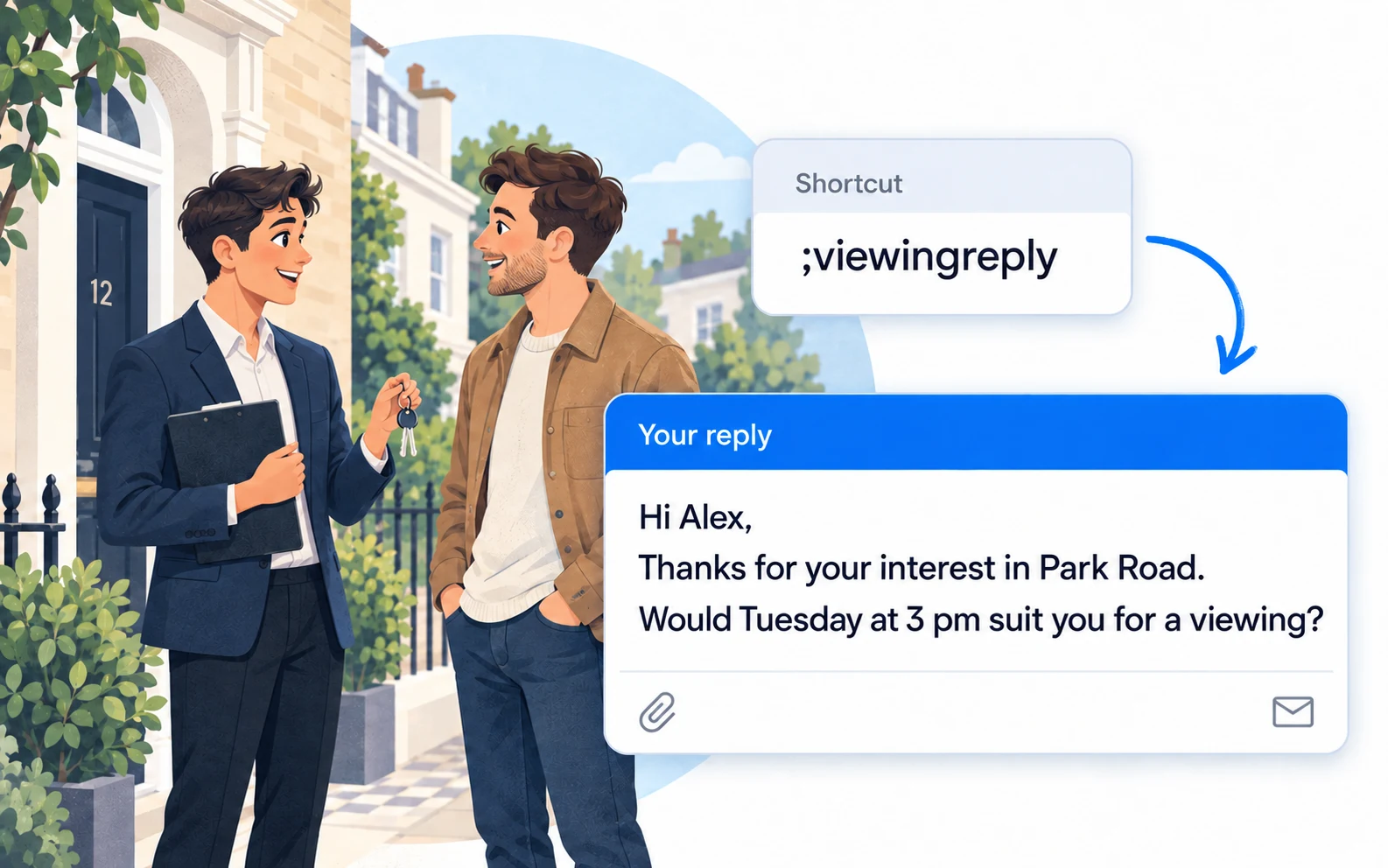
Keep operational messages short and specific. These examples help with everyday coordination, rather than formal tenancy notices.
Copy a snippet into LazyBoard on desktop or Chrome, then set its shortcut. {{name:…}} asks you to fill in a detail when inserting. How fields work →
;viewingreplyCheck the property and available time before offering the appointment.
;viewingdetailsSend the agreed time and a clear meeting point.
;maintreceivedAcknowledge a routine report without promising a repair date before it is arranged.
Keep enquiries, viewings, and maintenance in different folders. A short title such as “Confirm viewing” is easier to scan than the full message.
Put the property, date, and meeting point into fill-in fields. This helps you reuse the structure without leaving an old address in the fixed wording.
Check availability, access arrangements, and any promised update time. Keep formal notices and urgent incidents in your established process.
Start with task folders. If properties need different directions or contact details, add a property subfolder and give each snippet a descriptive title. Remove outdated availability as soon as it changes.
Build an organized library →Use shortcuts or the snippet picker in supported desktop and Chrome fields. On iPhone and Android, use the LazyBoard phrase keyboard to select saved text.
Some apps and editors restrict insertion. Start with a sample in the field you use, and use Copy when needed. Mobile libraries and purchases are separate from desktop and Chrome.
The mobile phrase keyboard is one option for using saved replies in messaging. Desktop and browser insertion depends on the app and field. Windows WhatsApp insertion has not been confirmed for this guide; test your setup and use Copy if insertion is unavailable.
Use a shared snippet with a property field when the wording is the same. Add property subfolders when there are genuinely different instructions, such as a meeting point or directions.
No. They are examples of routine enquiry and coordination messages. Use your established process for formal notices, legal requirements, and emergencies.
Examples prepared with AI assistance and checked against LazyBoard’s current guides. Updated October 14, 2026. Suggest a correction.