
Mobile
From the original LazyBoard blog. This article describes the existing mobile or Mac App Store app; its features, prices, and comparisons may differ from the new desktop app and Chrome extension.
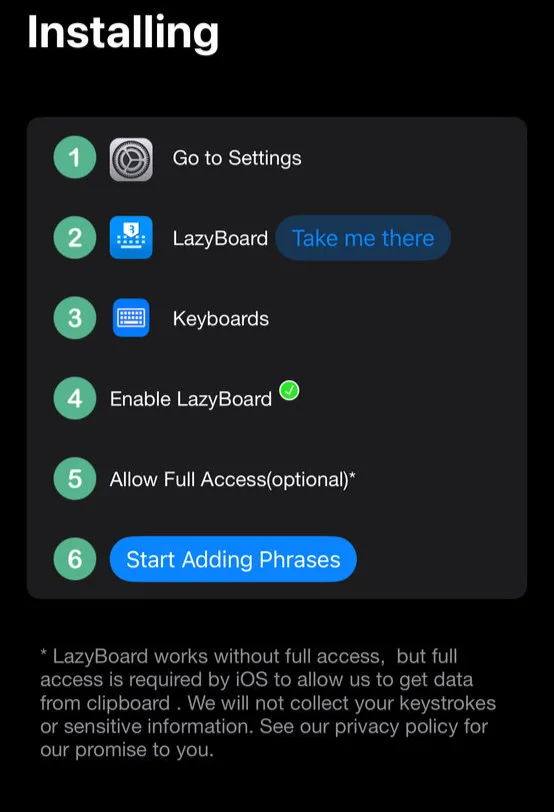
- First, enable LazyBoard keyboard to appear between your keyboards, click 'Take me there'
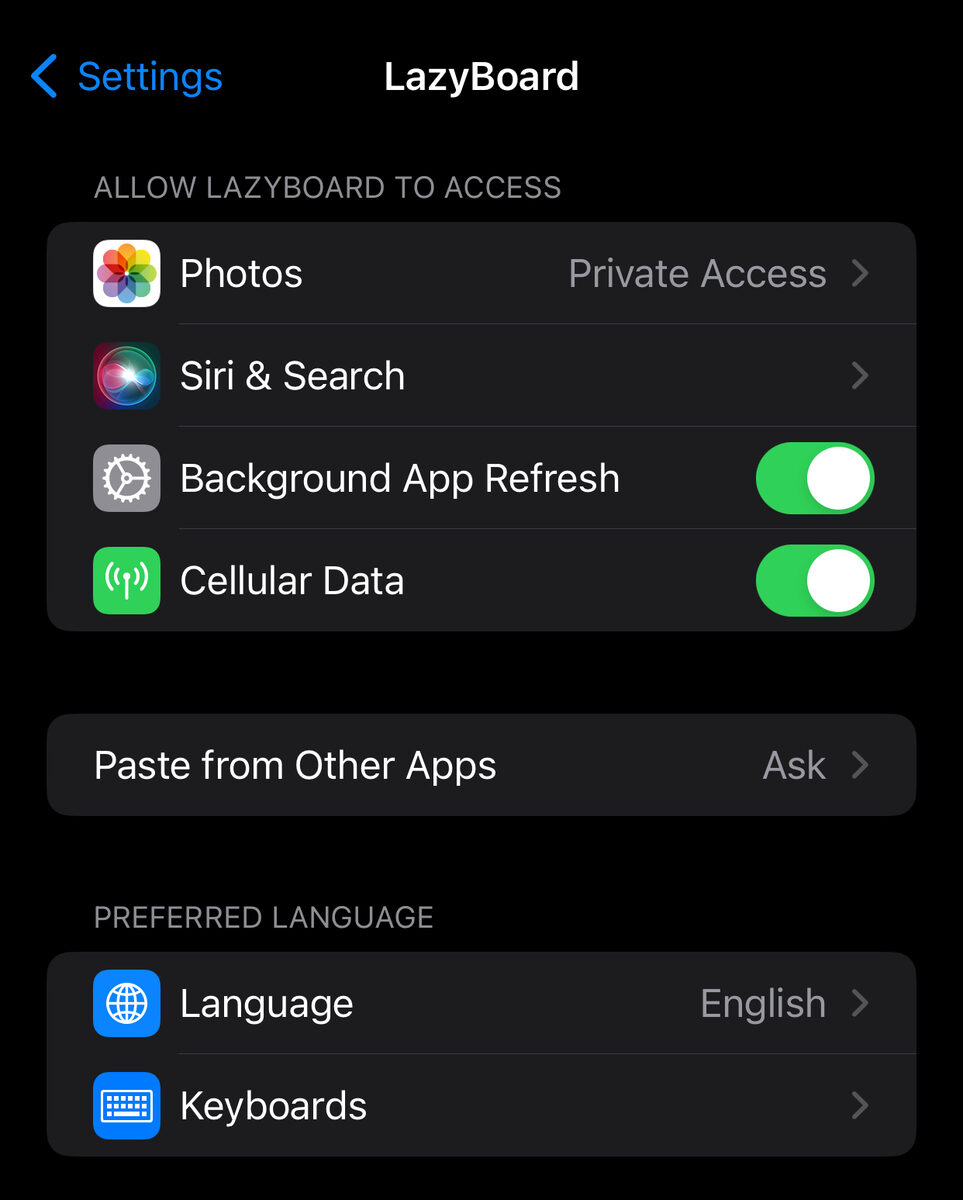
- Then, Select 'Keyboards'
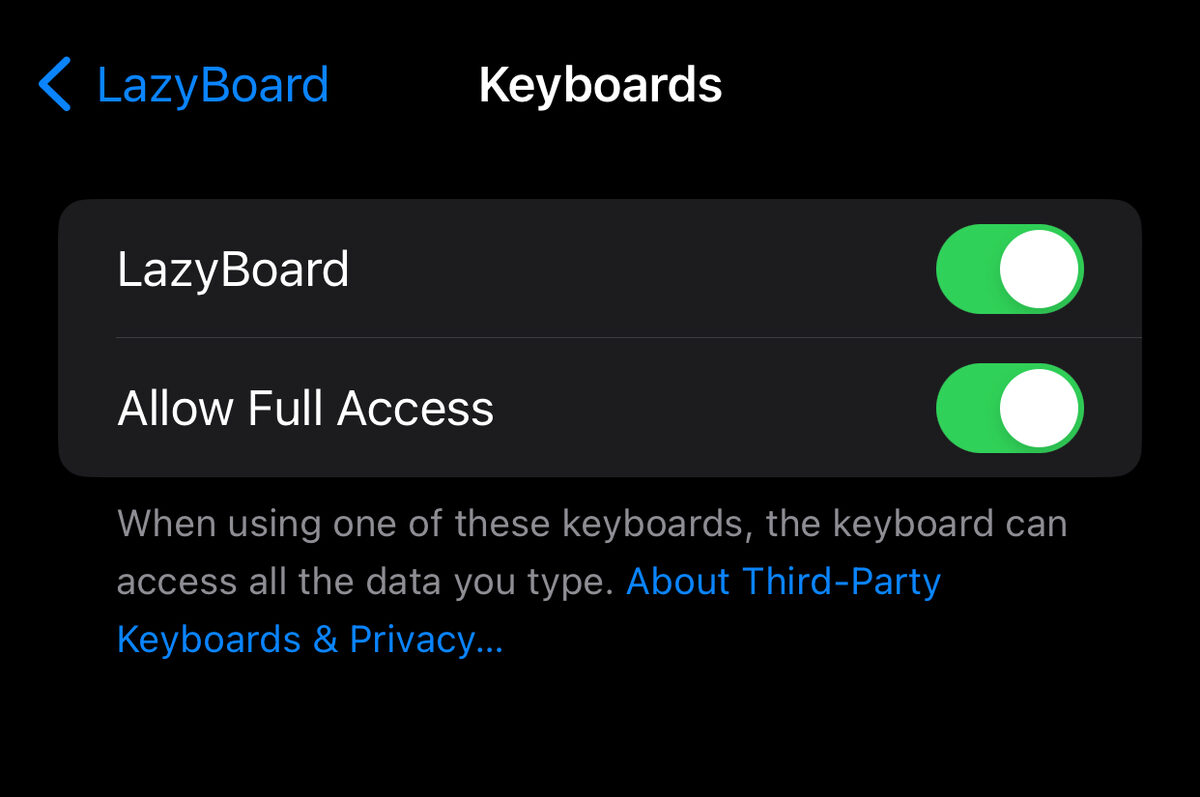
- Enable Keyboard and then enable 'Allow Full Access' (Optional)
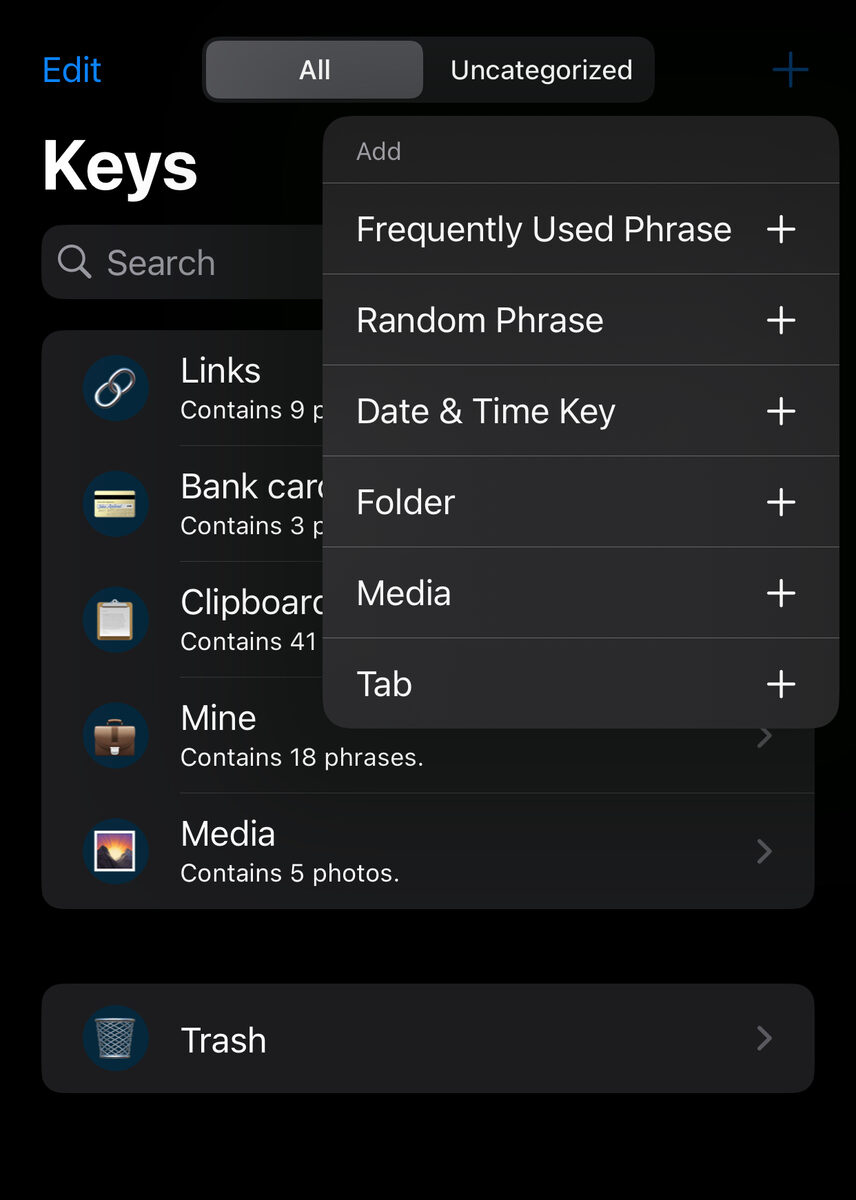
- Second, Add your frequently used phrases
- Finally, Open any app say iMessage app, long press on globe button and select 'LazyBoard' keyboard
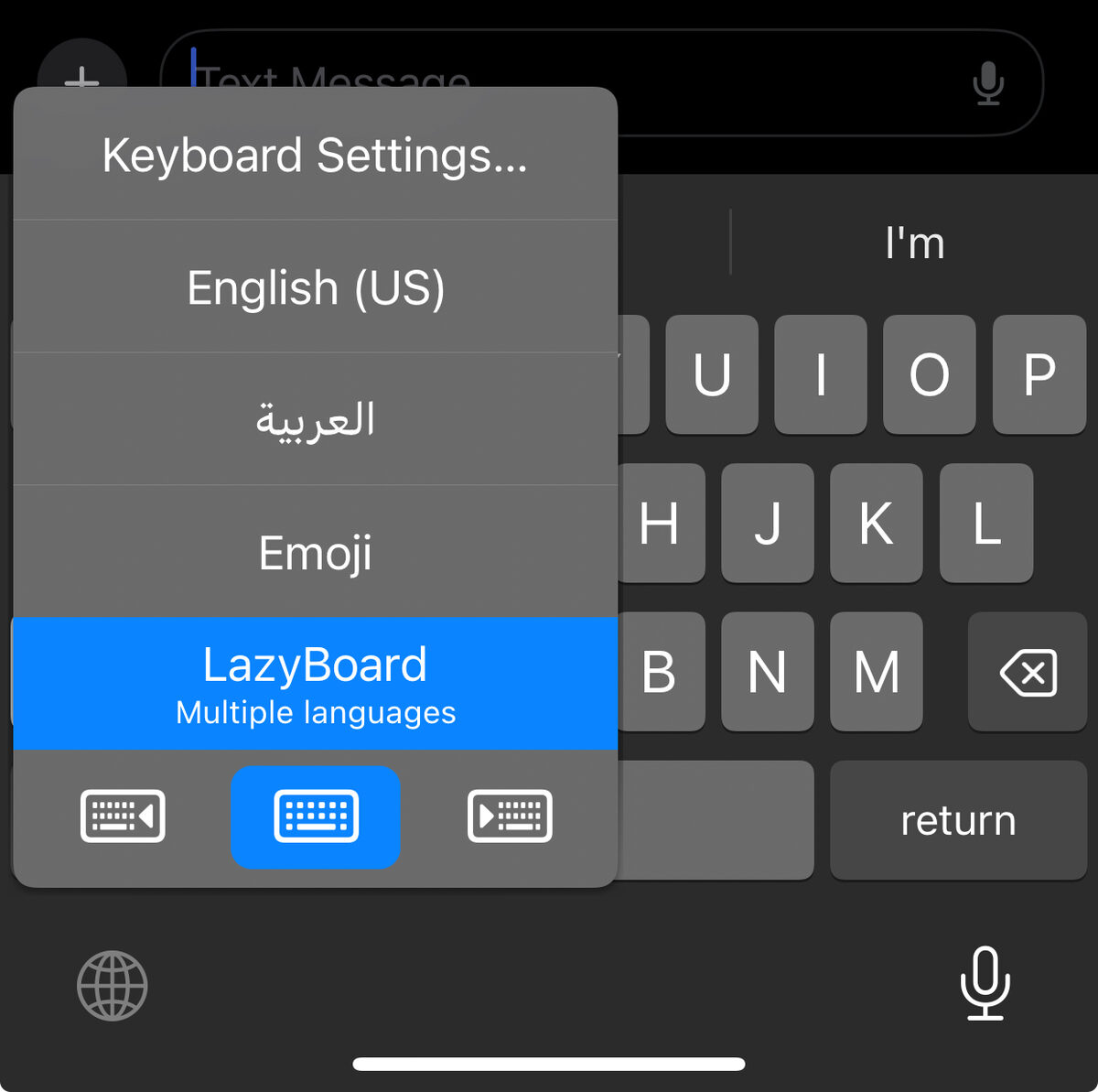
- Start using LazyBoard to save your time typing!