Free
$0
- Start with the Free plan
- Same limits as LazyBoard on desktop
 LazyBoardSign in
LazyBoard Mate is a phone keyboard for the snippets you made in LazyBoard on Mac, Windows or Chrome. Sign in once, then insert any snippet in any app. Fill-in fields are asked right in the keyboard.
Free to start. Already on LazyBoard Pro? It’s included.
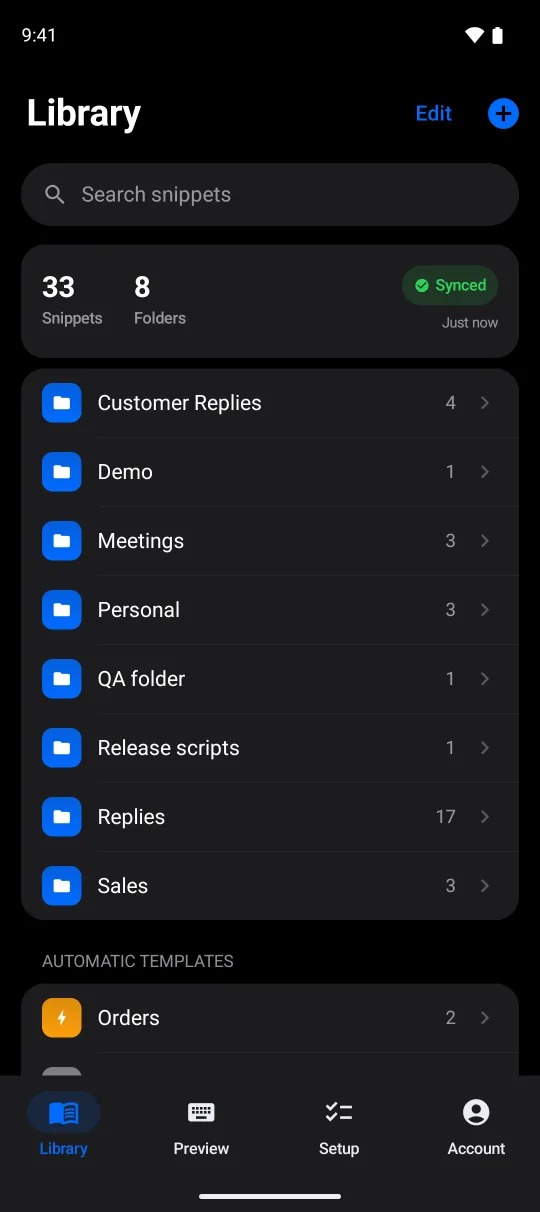
Get Mate from Google Play and sign in with your LazyBoard account. Your snippets download to the phone.
The Setup tab walks you through adding LazyBoard Mate in your phone’s keyboard settings and ticks each step.
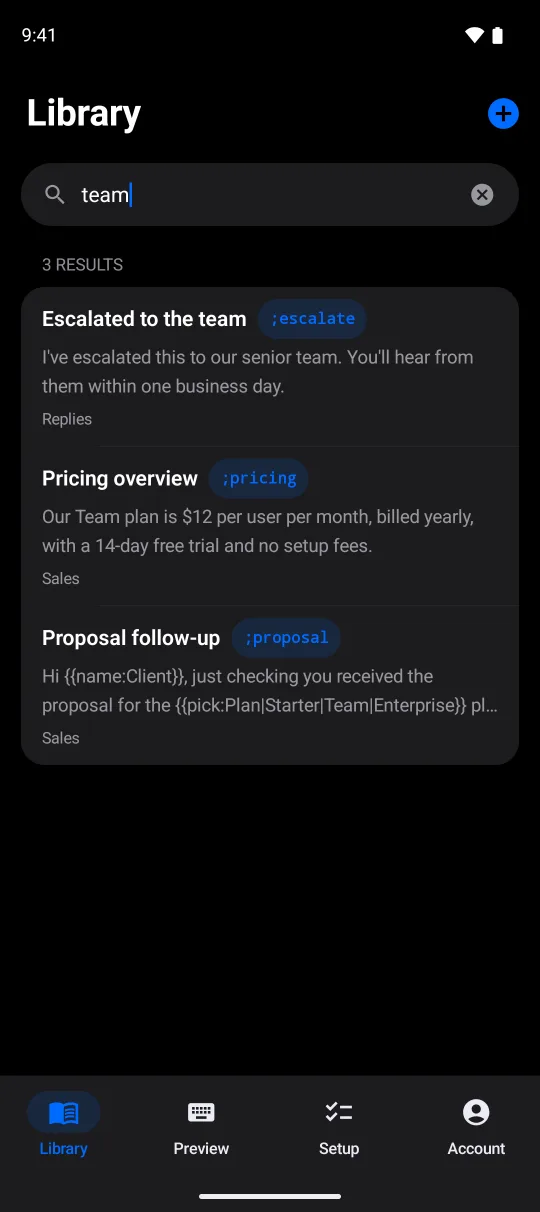
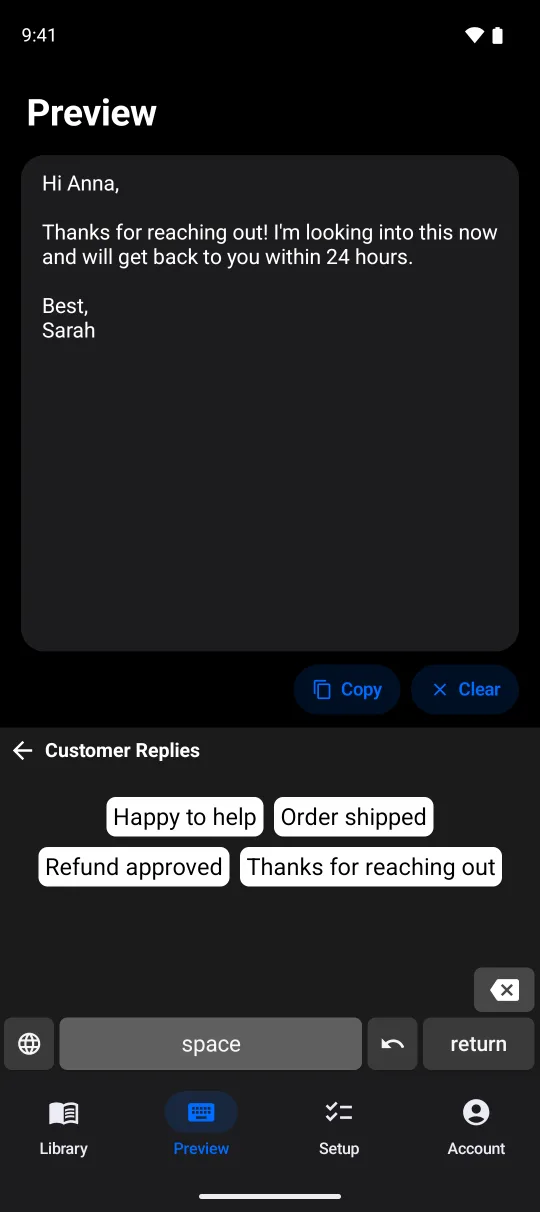
In any app, switch to Mate, open a folder or search, and tap a snippet. If it has fields, fill them in and the finished text is inserted.
Mate uses the same folders and snippets as LazyBoard on Mac, Windows and Chrome. Add or edit a snippet on your phone and it syncs back to your computers.
LazyBoard has two phone keyboards. Both insert your saved replies with a tap in any app that allows third-party keyboards. They differ in where your phrases live.
Phrase keyboard for iPhone, iPad and Android
Your desktop snippets on your phone
Use LazyBoard only on your phone? Choose LazyBoard Keyboard. Use LazyBoard on a Mac, Windows PC or in Chrome and want the same snippets on your phone? Choose LazyBoard Mate. The two apps keep separate libraries and purchases.
No. They are two separate apps. The LazyBoard Keyboard for iPhone, iPad and Android keeps its own phrase library on your phone and has its own in-app purchases. LazyBoard Mate signs in to your LazyBoard account and types the snippets you made on Mac, Windows or Chrome.
Not yet. LazyBoard Mate is on Android through Google Play, and the iPhone version is coming soon to the App Store. On iPhone and iPad today you can use the LazyBoard Keyboard, which keeps its own library.
Mate is free to start, with the same Free and Pro plans as LazyBoard on desktop. If you already have Pro, it is included. Pro is US$4 a month or US$30 a year, and you can also subscribe in the app through Google Play.
Yes. Mate signs in to your LazyBoard account to download your snippets. Create one in the app or on lazyboard.app.
It works in apps that allow third-party keyboards, including WhatsApp, Gmail, Messages and most others. Password fields and some secure fields always use the system keyboard.
No. The keyboard only reads your synced snippets on the phone. It never sends what you type.