
Check availability for your device
Visit Downloads for current availability. If your version is coming soon, join the waitlist. For Mac, choose Apple silicon or Intel, open the DMG, and drag LazyBoard to Applications.
Enable insertion
Follow the app’s permission prompt in macOS System Settings. Enable Accessibility for LazyBoard, and Input Monitoring if requested. Quit and reopen LazyBoard after changing permissions.
Follow the illustrated setup guide for the permission steps.
Create your first snippet
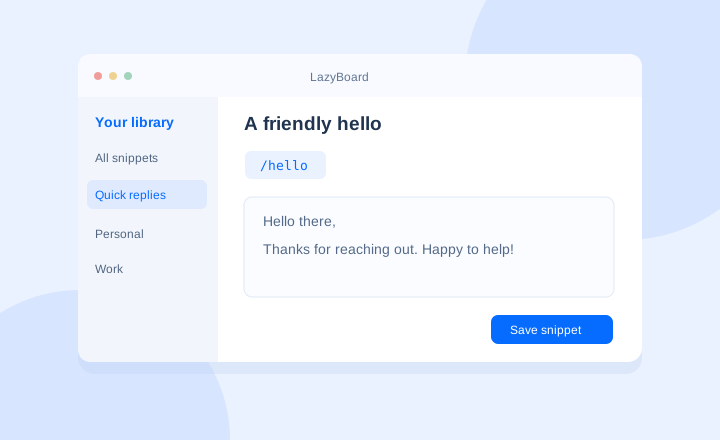
- Choose New snippet and enter a title.
- Add your reply in the snippet field.
- Set a shortcut such as
/helloand save. - Type the shortcut in a supported app. It expands when you finish typing it.
Three useful snippets to start with
;thanks— “Thanks for reaching out! I’ll review your message and get back to you shortly.”;address— your business address, ready for forms and messages.;signoff— your name, role, and preferred contact details.
Choose abbreviations you would not normally type. Try them in a supported text field, and use Copy and paste if insertion is unavailable.
Keep your library organized
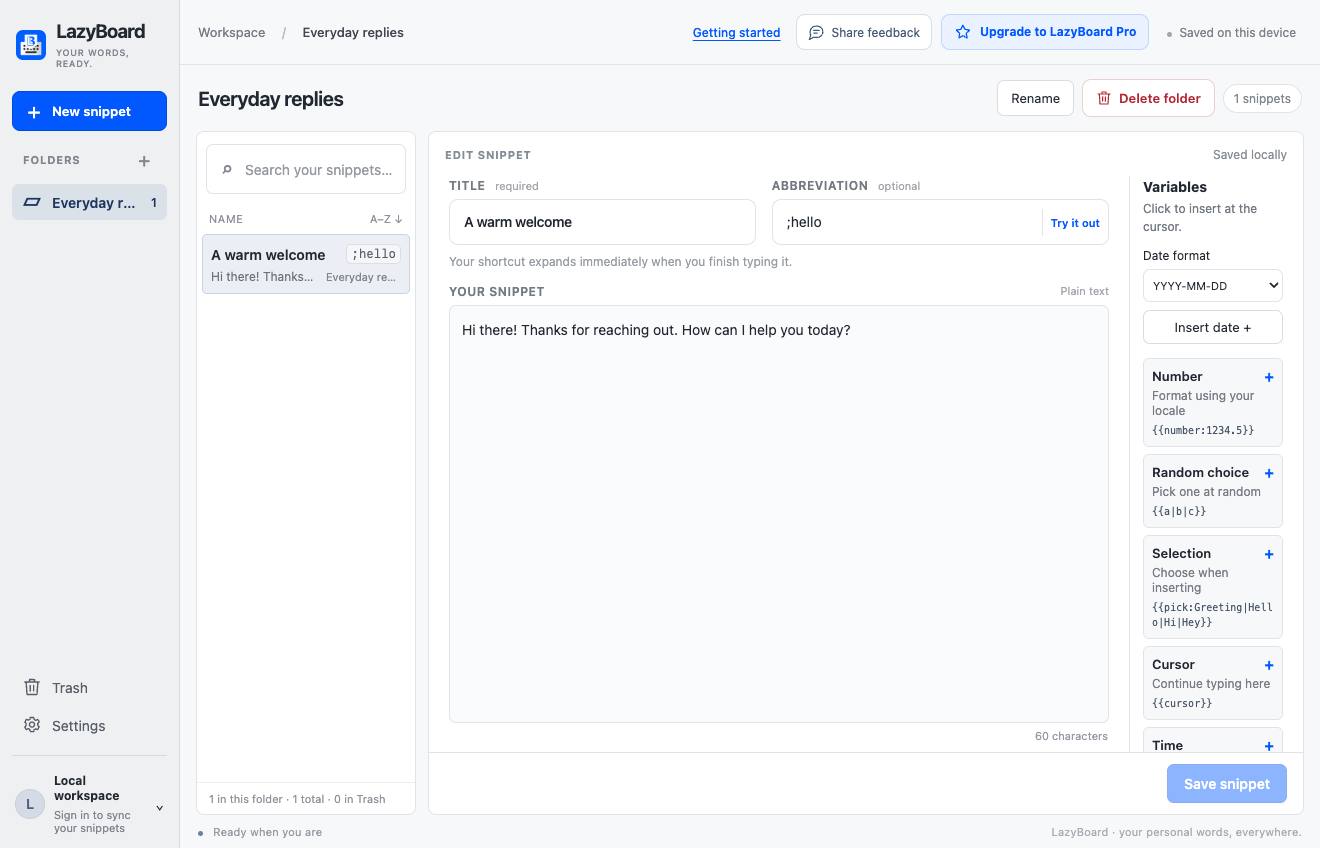
Use folders and search. Right-click a snippet to move, copy, duplicate, or delete it. Deleted folders and their snippets stay together in Trash.
Sign in when you want to sync
Cloud sync requires LazyBoard Pro. Create an account, verify your email, and sign in on each device where you want to use your Pro library. Local snippets stay separate until you choose Import local snippets. Export a backup to keep a copy of your snippets.
If insertion is unavailable in an editor, use Copy. Report the app name and steps through Share feedback.
Next: personalize replies with variables, or follow the full Getting Started guide.